
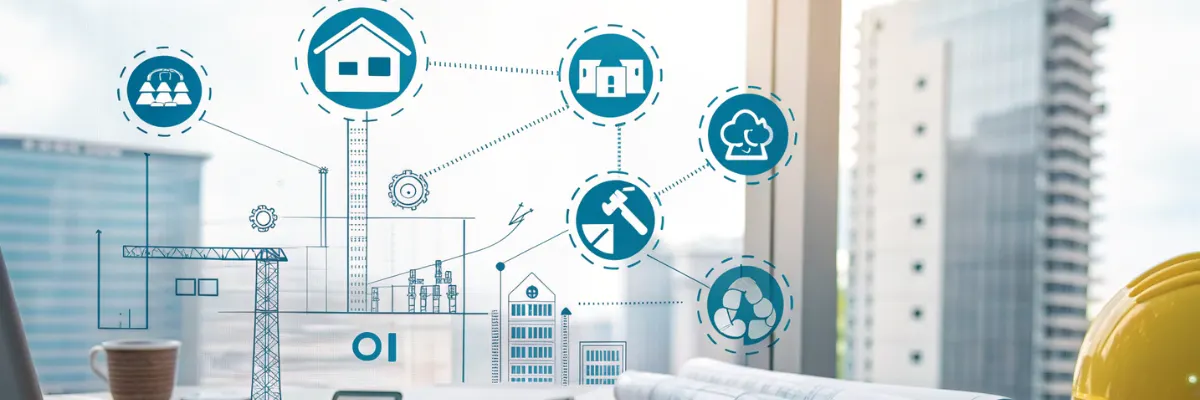
Construction and contracting businesses operate in complex, multi-site, capital-intensive environments. Every project involves tight coordination between site teams, contractors, materials, machinery, finance, and compliance — often spread across remote locations.
Construction companies must manage:
- BOQ (Bill of Quantities) & estimation
- Tendering & project planning
- Material procurement & site delivery
- Labour & subcontractor management
- Site execution & daily progress tracking
- Machinery & equipment utilization
- RA bills, subcontractor bills & client billing
- Multi-site cost control
- Quality, safety & statutory compliance
Without a centralized system, companies face cost overruns, delays, wastage, billing disputes, and weak project visibility. A robust Construction ERP connects site, office, materials, labour, machinery, and finance into one unified platform ensuring projects are delivered on time, within budget, and profitably.
Why Construction Companies Need ERP
Common challenges without ERP:
- Cost overruns due to poor planning
- Inaccurate BOQ tracking
- Material wastage & pilferage
- Labour productivity not measured
- Delayed or incorrect RA bills
- Weak subcontractor control
- Manual DPRs with no real-time visibility
- Compliance & documentation delays
- No cost vs progress comparison
Construction ERP provides real-time control, accountability, and transparency across every project stage.
ERP for Construction & Contractors — Full 2026 Scope
Construction ERP integrates:
- Project planning & scheduling
- BOQ & estimation
- Material & store management
- Labour & subcontractor control
- Site execution & DPR
- Machinery & asset tracking
- RA & client billing
- Quality, safety & compliance
- Financial accounting & costing
Ideal for:
- Civil contractors
- EPC contractors
- Road & highway construction companies
- Residential & commercial builders
- Infrastructure contractors (bridges, flyovers, metros)
- Interior & fit-out contractors
- MEP contractors
Key Features of Construction ERP (2026 Edition)
1. Project Planning, BOQ & Estimation
ERP enables:
- Itemized BOQ creation
- Rate analysis (material, labour, machinery)
- Tender & bid management
- Work Breakdown Structure (WBS)
- Budget vs actual comparison
2. Material Management & Procurement
ERP tracks:
- Site material indents
- Purchase requisitions & approvals
- Vendor comparison & PO creation
- GRN with quality checks
- Site stock & consumption tracking
- Theft & wastage monitoring
3. Labour, Attendance & Subcontractor Management
ERP manages:
- Skilled & unskilled labour
- Attendance (biometric / GPS-based)
- Subcontractor work orders
- Measurement sheets
- Productivity & cost reports
4. Site Execution & Daily Progress Reports (DPR)
Features include:
- Daily work progress entry
- Material & labour usage
- Concrete, steel & quantity tracking
- Site photos with geolocation
- Quality & safety checklists
5. Machinery, Equipment & Asset Tracking
ERP tracks:
- Equipment allocation to sites
- Working hours & idle time
- Fuel consumption
- Operator logs
- Preventive maintenance & AMC
6. RA Bills, Subcontractor Bills & Client Billing
ERP automates:
- Running Account (RA) bills
- Measurement certification workflows
- Subcontractor billing
- Client invoice preparation
- Retention, deductions & advances
- GST-compliant billing
- Eliminates disputes and payment delays.
7. Quality, Safety & Compliance Management
Includes:
- Site inspection & checklist management
- NDT & test reports
- Safety audits & incident reporting
- Labour law & statutory compliance
- Contract documentation
8. Inventory, Stores & Site Warehousing
ERP manages:
- Cement, steel, aggregates
- Electrical, plumbing & MEP items
- Inter-site material transfers
- Returns & reconciliation
- Minimum/maximum stock levels
9. Financial Accounting & Cost Control
ERP tracks:
- Project-wise expenses
- Profitability reports
- Cash flow planning
- Vendor & subcontractor payments
- Bank reconciliation
- GST compliance
10. Multi-Site & Multi-Project Management
ERP provides:
- Centralized dashboards
- Cost-to-completion analysis
- Cross-site resource visibility
- Management MIS reports
End-to-End Construction ERP Workflow
Estimation & BOQ
BOQ → Rate analysis → Tender submission
Project Planning
Budget → WBS → Timeline → Resource planning
Procurement & Material Delivery
Indent → Purchase → GRN → Site stock
Site Execution
Daily work → DPR → Consumption → Photos
Measurement & Billing
Measurements → RA bills → Client approval
Cost Monitoring & Closure
Actual vs budget → Variance → Profit analysis
Challenges vs ERP Solutions
| Construction Challenge | ERP Solution |
|---|---|
| Cost overruns | Real-time budget vs actual |
| Labour inefficiency | Attendance & productivity tracking |
| Material theft | Issue & consumption logs |
| Billing disputes | Measurement-based RA bills |
| Approval delays | Digital workflows |
| Poor site visibility | Live dashboards & mobile DPR |
Industries Using Construction ERP
- EPC companies
- Civil & infrastructure contractors
- Road & highway builders
- Commercial real estate developers
- Residential builders
- MEP & interior contractors
Benefits of Construction ERP
- 10–20% reduction in project cost
- 30–50% improvement in project visibility
- Faster billing & payments
- Reduced material wastage
- Better labour & subcontractor control
- Improved compliance readiness
- On-time project execution
- Higher profitability
Why Choose 100xERP for Construction & Contractors?
100xERP is built specifically for project-driven construction businesses, offering:
- BOQ, tendering & estimation
- Site execution & DPR
- Labour & subcontractor management
- Material & store control
- Machinery & asset tracking
- RA & client billing
- Budgeting & cost control
- GST-compliant accounting
- Multi-project dashboards
FAQ — ERP for Construction & Contractors
Q1. Can ERP create BOQ automatically?
Yes. ERP supports detailed BOQ creation with rate analysis.
Q2. Does ERP track site progress daily?
Yes. DPRs include quantities, photos & location data.
Q3. Can ERP manage subcontractor billing?
Yes. Measurement-based subcontractor billing is fully automated.
Q4. Does ERP track machinery usage?
Yes. Fuel, hours, maintenance & breakdowns are tracked.