
Task Management System for Business Teams
We provide customized software development services for companies that want to improve productivity, reduce missed deadlines, and manage team responsibilities with better control.
What Is Task Management ERP?
Task management is the process of creating, assigning, tracking, updating, and completing work activities in a structured manner. It helps businesses clearly define what needs to be done, who is responsible, when it should be completed, and what the current status is.
A task can be anything such as a sales follow-up, site visit, installation activity, service request, admin work, document submission, project update, customer call, or internal team activity.
A digital platform helps replace manual tracking methods like Excel sheets, WhatsApp messages, phone calls, and notebooks with a more reliable and professional way of working.
Why Businesses Need Task Management
Many businesses face delays because tasks are assigned verbally or tracked manually. When there is no proper system, managers may not know which work is pending, employees may miss deadlines, and customer follow-ups can be forgotten.
Reduce missed follow-ups
Improve communication between teams
Monitor employee performance
Generate reports for management review
Assign work clearly to employees
Manage multiple projects from one place
Track deadlines and pending tasks
Reduce dependency on manual Excel tracking
Our Custom Task Management System Development Services
We provide complete development services based on your business workflow.
Custom Task Platform Development
We develop a task platform based on your company’s departments, users, task flow, reporting needs, and approval process.
Task Tracking Module Development
We create modules to monitor pending tasks, completed work, delayed tasks, employee-wise activities, and project progress.
Project Module Development
We build project modules to connect tasks with customers, documents, site visits, and follow-up activities.
Workflow Module Development
We develop custom workflow stages, approvals, role-based actions, and process controls.
Collaboration Module Development
We create features such as task comments, file sharing, status updates, notifications, and activity history.
User Role and Permission Setup
We create role-based access for Super Admin, Admin, Manager, Employee, and other custom user roles.
Dashboard and Reporting Development
We design dashboards and reports for management review, department performance, employee productivity, and delayed task analysis.
Automation Module Development
Our task automation software features can send deadline reminders, delayed task alerts, recurring task updates, customer follow-up reminders, and approval notifications.
Mobile Responsive UI Development
We develop mobile-friendly screens for field teams, service employees, installation teams, and managers.
Types of Task Management Solutions

Personal Task Management
Used by individuals to manage their daily work, reminders, and personal productivity.

Team Task Management
Used by teams to assign work, update progress, share comments, and complete tasks together.
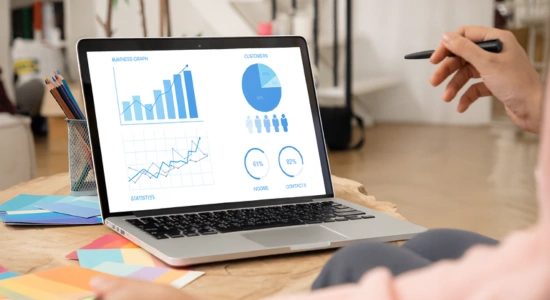
Project-Based Task Management
A project management tool helps manage project activities, customer communication, site work, approvals, documents, and project milestones in a structured way.
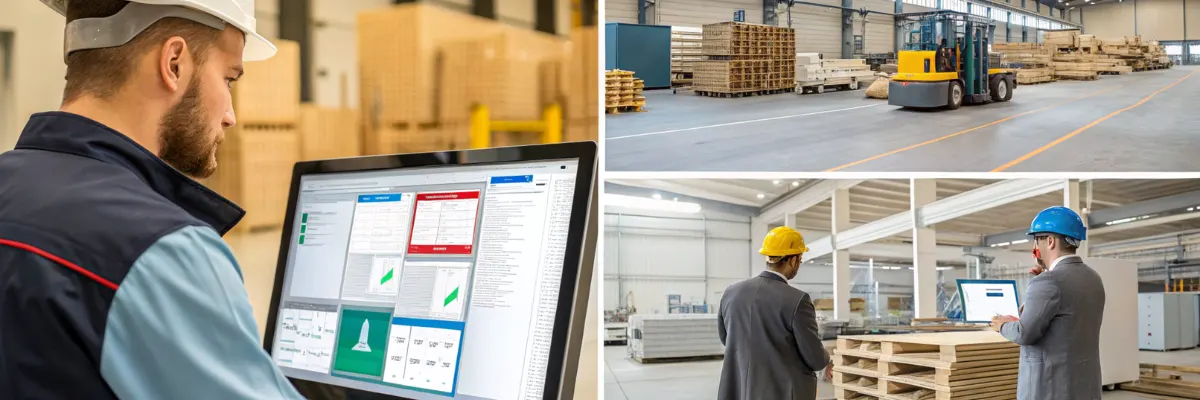
Collaboration-Based Task Management
A team collaboration software keeps employees, managers, and departments connected through comments, file sharing, updates, and shared task visibility.
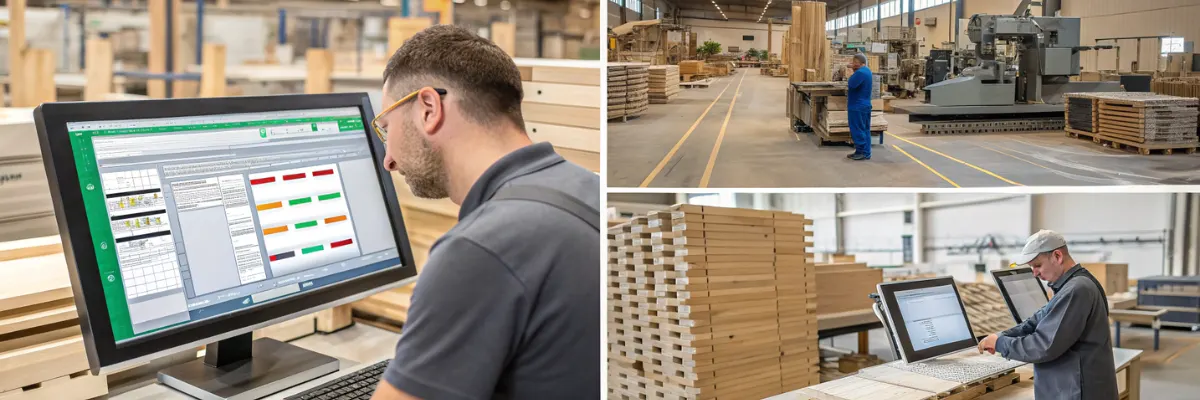
Workflow-Based Task Management
A workflow management system helps businesses control step-by-step processes such as task assignment, approval, progress update, completion, and reopening.
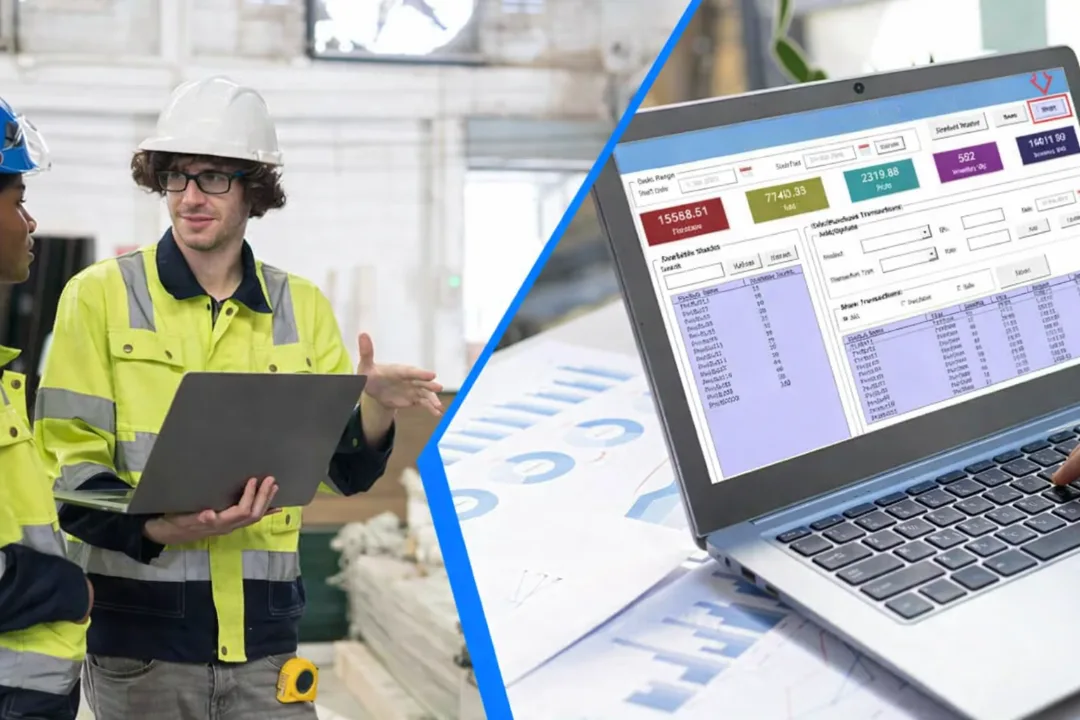
Department-Wise Task Management
Used to manage tasks separately for sales, admin, manufacturing, installation, service, digital marketing, and operations departments.
Benefits of Our Task Tracking Software
Monitor project-related tasks, approvals, and follow-ups in a structured way
Help employees understand their daily work and complete tasks on time
Reduce repeated phone calls, WhatsApp messages, and manual follow-ups
Assign every task with a clear owner, deadline, priority, and status
Managers can monitor all tasks assigned by them and check status updates from employees.
Track pending, completed, delayed, and ongoing tasks easily
Generate useful reports for management review and decision-making
Improve accountability with task ownership, timelines, and activity history
Review employee-wise, department-wise, and project-wise progress
Keep comments, remarks, attachments, and updates connected to each task
Search tasks quickly by employee, department, status, date, project, or keyword
Features of Our Task Management Solution
Dashboard Overview
View total, pending, completed, delayed tasks, projects, follow-ups, and employee status.
Task Status Tracking
Track tasks as New, Assigned, In Progress, Approved, Completed, Delayed, or Reopened.
My Tasks
Employees can check tasks, update progress, comment, and mark completion.
Task Creation
Create tasks with title, priority, assignee, deadline, remarks, and attachments.
File Attachments
Upload documents, photos, reports, invoices, and other files.
Task Assignment
Managers can assign tasks to employees or teams with due dates.
Deadline Alerts
Get alerts for overdue tasks and delayed work.
Comments History
Store comments, updates, and status changes for reference.
Assigned Tasks
Managers can track tasks assigned by them and monitor updates.
Reports and Export
Generate reports for tasks, performance, and productivity.
Role-Based Access
Control access for Super Admin, Admin, Manager, and Employee.
Mobile-Friendly Design
Use the system easily on desktop, tablet, and mobile.
Industries We Serve
- Construction companies
- EPC contractors
- Solar installation companies
- Industrial automation companies
- Manufacturing units
- Service providers
- Maintenance teams
- Sales teams
- Admin departments
- Digital marketing agencies
- Field service teams
- Logistics and courier teams
- Facility management companies
- IT service companies
- Small and medium businesses
Why Choose Us?
We build a customized solution that matches your actual workflow.
Customized development based on your business process
Department-wise task management
Project and customer follow-up tracking
Support for future customization and integration
Suitable for office and field teams
Deadline and delay alert options
FAQs - Task Tracking Software
Can the system be customized?
Yes. The system can be customized based on your departments, task stages, user roles, approval flow, reports, dashboard, and notification requirements.
Is this suitable for small businesses?
Yes. It is suitable for small businesses, growing companies, service teams, sales teams, project teams, and multi-department organizations.
Can employees update their task status?
Yes. Employees can view assigned tasks, update progress, add comments, upload files, and mark tasks as completed.
Can managers track delayed tasks?
Yes. Managers can view delayed tasks, pending tasks, completed tasks, and employee-wise task status from the dashboard or reports.
Can this replace Excel task tracking?
Yes. A digital system can replace Excel tracking by providing live updates, search filters, reminders, reports, and user-based access.
Can we add project management features?
Yes. We can add project details, customer conversations, follow-up dates, site visit records, attachments, and project-wise task tracking.
Can the system send reminders?
Yes. Reminder options can be added for task deadlines, delayed tasks, customer follow-ups, recurring tasks, and approval alerts.
Is a project management tool different from a task management system?
Yes. A task management system handles individual tasks, while a project management tool manages full projects with multiple tasks.
Can I use team collaboration software for daily work?
Yes. Team collaboration software helps teams share tasks, communicate, and track work in one place.
How does team collaboration software help employees?
Team collaboration software allows employees to share updates, comment on tasks, and work together.
What does a workflow management system do?
A workflow management system organizes tasks in steps like pending, in progress, and completed.